
Step 1: Copy your API key
After you sign up for a Crotus account, you’ll be redirected to the dashboard. Here, you can find your API key.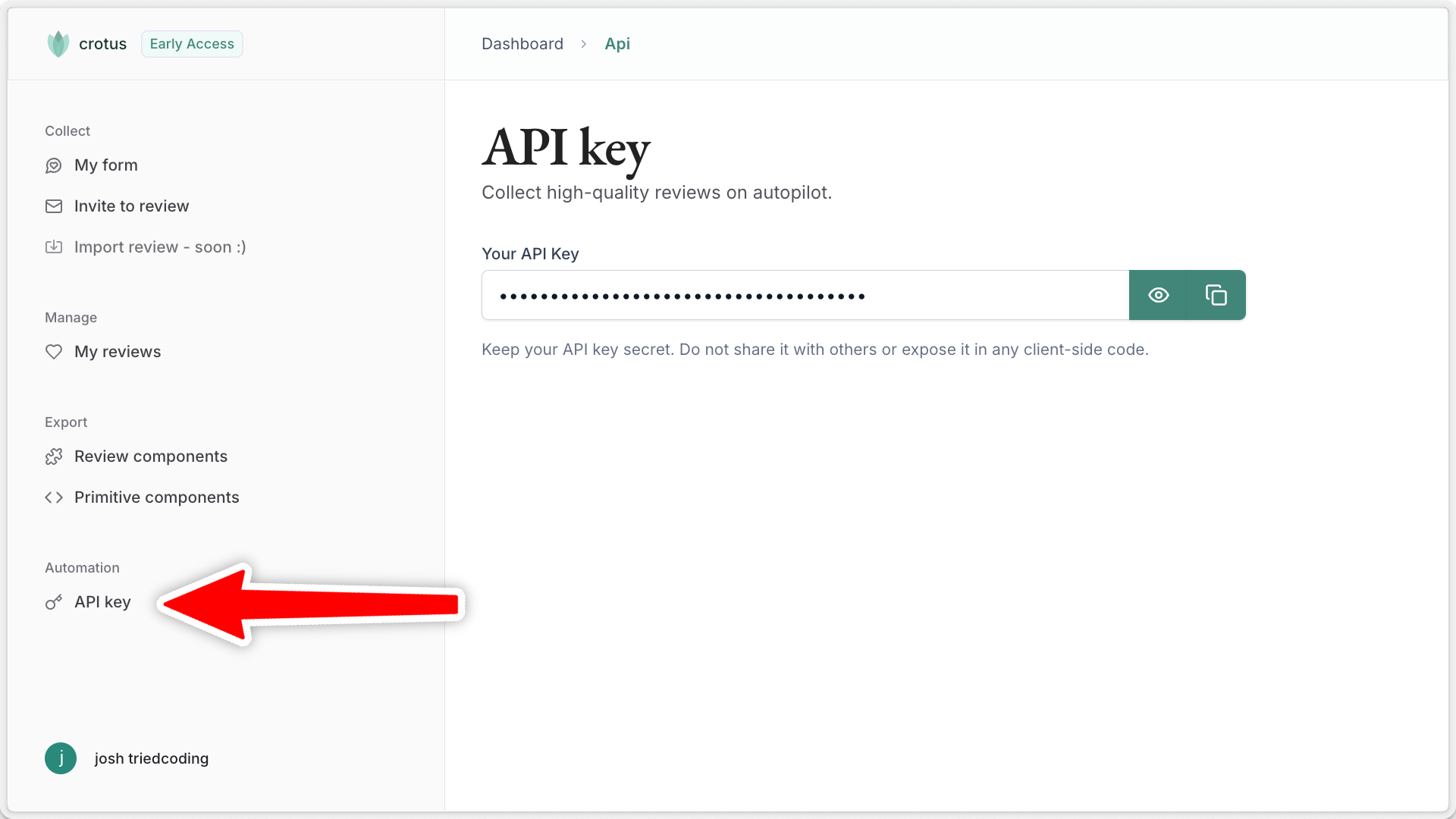
Step 2: Installation
To collect reviews on autopilot, first install the package:Terminal
Step 3: Setting environment variables
Either set your API key as theCROTUS_API_KEY environment variable, or pass it explicitly when creating the client:
utils/crotus.ts
Step 4: Collect reviews
That’s it! You’re now ready to start collecting reviews. For example, by automatically sending a review request via email:- When a user signs up to your service
- After a customer completes a purchase
- Following a support interaction or service delivery